



Last updated: 22 October 2026
If you run a WordPress website, you may have seen headlines this week about a serious WordPress PHP vulnerability. It sounds alarming, but the fix is well understood, and for most small businesses it comes down to one short conversation with your hosting provider. Here is what happened and what to do.
What Happened?
On 21 October 2026, the PHP project released emergency security updates for two critical vulnerabilities in PHP, the software that runs behind the scenes on most WordPress websites. Both flaws are rated 9.2 out of 10 for severity. In the worst case, they could let an attacker run their own code on a website’s server without needing to log in. The official references are CVE-2026-109618 and CVE-2026-109619 (nicknamed PHP2Shell in some press coverage).
The news has moved quickly. Cloudflare reported seeing attack traffic aimed at these flaws, and national cyber security agencies have issued warnings, including the UK’s National Cyber Security Centre (NCSC), the EU’s CERT-EU and Australia’s Cyber Security Centre (ACSC).
The good news is that fixed versions of PHP are already available. They are PHP 8.5.12, 8.4.27, 8.3.36 and 8.2.35.
Why WordPress Auto-Updates Don’t Fix It
Many site owners have automatic updates switched on and assume that covers everything. In this case, it doesn’t.
These are not flaws in WordPress itself, or in a plugin or theme. They are in PHP, the programming language WordPress is built on. PHP runs on your hosting server, not inside your WordPress dashboard. As the WordPress security company Wordfence puts it, updating WordPress will not install the fixes.
That means PHP has to be updated on the server by whoever manages it. On most shared and managed hosting, that is your hosting provider.
How to Check Your PHP Version in WordPress
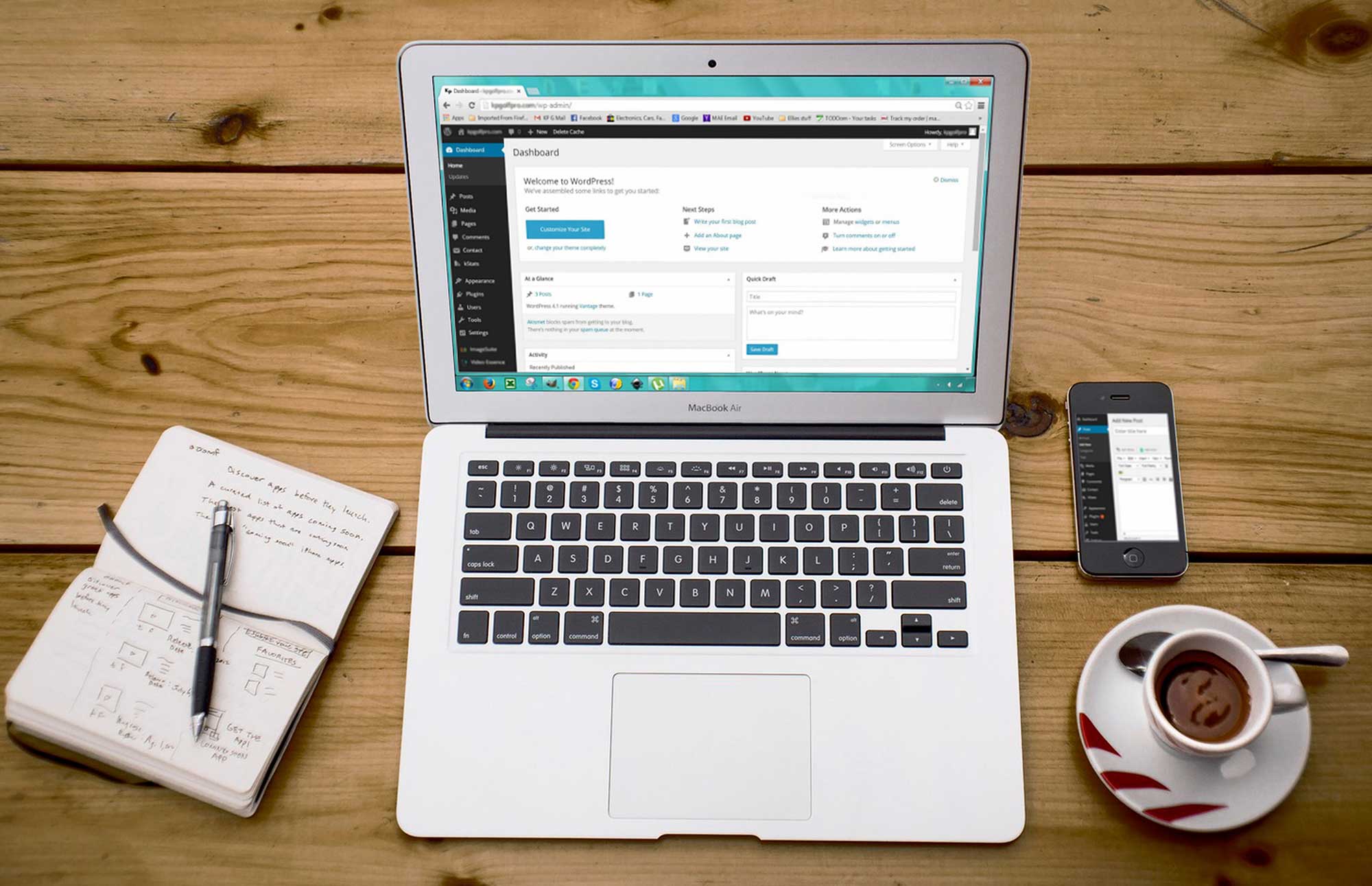
You can see which PHP version your site uses in a couple of minutes:
- Log in to your WordPress dashboard.
- Go to Tools > Site Health.
- Select the Info tab.
- Expand the Server section and look for PHP version.
Make a note of the number, but don’t rely on it alone. Hosting companies sometimes add security fixes to an older version without changing the number you see. The only way to be sure is to ask your host.
A simple message to your host’s support team will do:
“Is the PHP running my website patched for CVE-2026-109618 and CVE-2026-109619, and has it been restarted since the update?”
If Your Site is on PHP 8.1 or Older
Don’t panic, but do plan a move. PHP 8.1 and older versions no longer receive regular security updates from the PHP project, so the long-term answer is to upgrade to a supported version rather than just patch the old one. This is a routine job that a good host or web developer can plan with you, including checking that your theme and plugins are compatible first. It’s also worth knowing that PHP 8.2 stops receiving security fixes after 31 December 2026, so sites on 8.2 should plan their next upgrade too.
What to Expect on Managed Hosting
If your website is on managed hosting, the hosting provider normally looks after PHP on the server, including applying security updates like these. That means the fix happens at their end, not through your WordPress dashboard. Even so, it’s worth asking your host to confirm the update has been applied to your site, using the message above.
If you or your developer manage your own server, the update is in your hands, so it’s best to apply it as soon as you can.
Frequently Asked Questions
Is My Site Affected by the WordPress PHP Vulnerability?
If your website runs on WordPress, it runs on PHP, so it could be affected until the server is using a fixed version. That doesn’t mean your site has been attacked. It means the PHP on your server needs checking and, if necessary, updating.
Does WordPress Auto-Update Fix PHP?
No. WordPress auto-updates cover WordPress, plugins and themes. PHP sits on the hosting server and is updated separately.
Who Updates PHP on my Website?
Usually your hosting provider. If you or your developer manage your own server, the update is your responsibility.
What Should I Do Now?
Check your PHP version under Tools > Site Health > Info > Server, then ask your host to confirm the fixes are in place. If you’re on PHP 8.1 or older, ask about upgrading to a supported version.
Official Advice
- NCSC: Critical security issue affecting PHP
- CERT-EU: Critical Vulnerabilities in PHP
- PHP: Official security advisory
What to Do Next
You don’t need to be technical to deal with this. Two quick steps cover most WordPress sites:
- Check your PHP version in WordPress under Tools > Site Health > Info > Server.
- Ask your hosting provider to confirm the security update has been applied. You can copy this message: “Is the PHP running my website patched for CVE-2026-109618 and CVE-2026-109619, and has it been restarted since the update?”
The fixes are already available, so once your host confirms they’re in place, you can get back to running your business.